
Campaign visuals at the speed of a prompt
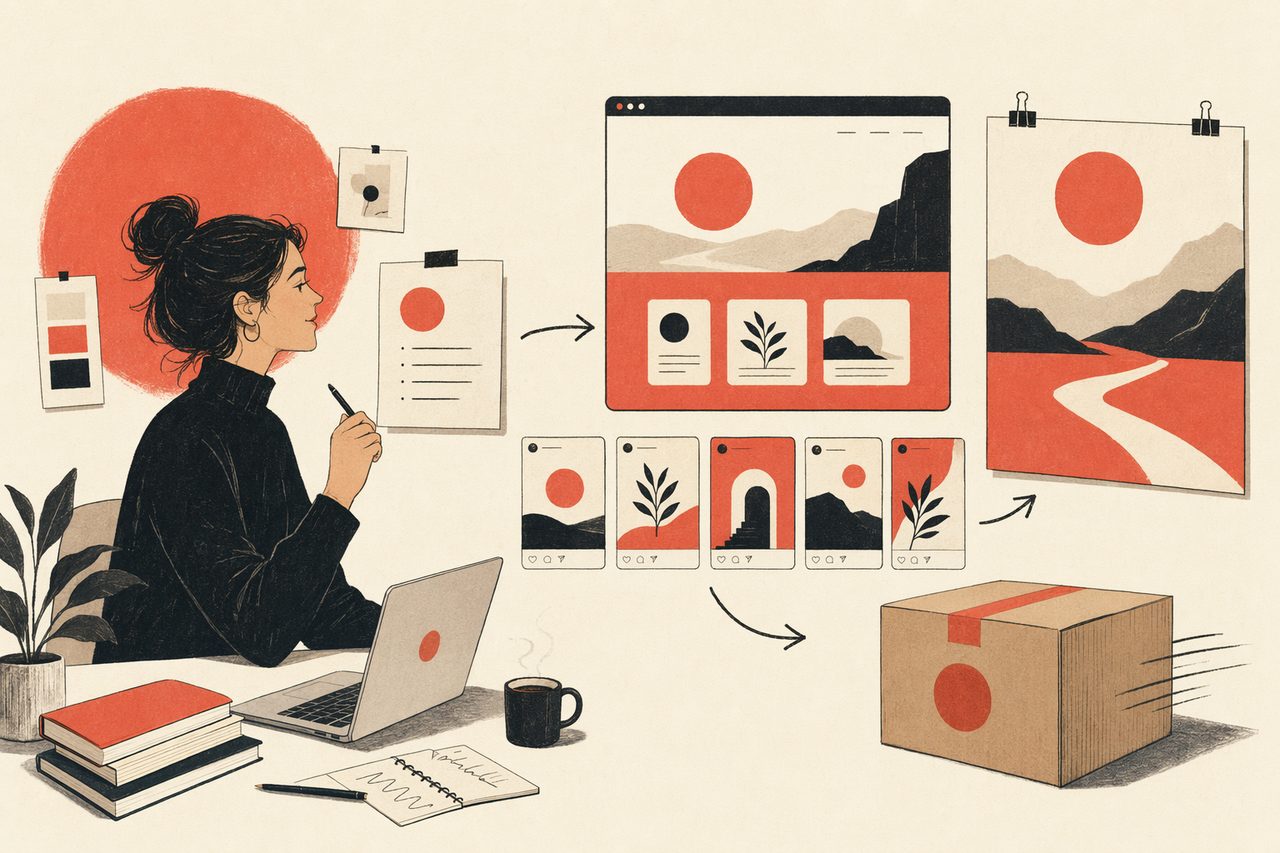
Landing pages, social cards, covers, announcement graphics — described in language, rendered on brand, shipped the same day. No design ticket, no template wrangling.
In one line
Open Design is the always-on design resource for marketing: prompt-to-asset for landing pages and social, on brand, so campaigns ship at the speed you write copy.
How a marketing team uses Open Design
- 01
Lock the brand
Your DESIGN.md holds the colors, type and voice. Every asset the agent makes is automatically on brand — no per-asset re-styling.
- 02
Generate the campaign
Landing page, social cards, covers, announcement graphics — one prompt each, a consistent set across every channel.
- 03
Ship and iterate
Landing pages render to HTML you can deploy; graphics export to PNG. Change the headline, re-render the set — no waiting on a queue.
What a marketing team can ship
Pitch a Team Rollout like a Strategic Account Executive
Open Design Teams: a launch-and-adoption proposal for a mid-market design team weighing a switch from closed cloud tools. Built as a decision-grade B2B sales deck for design team lead, IT.
Email Marketing
A brand product-launch email — masthead with wordmark, hero image block, headline lockup with skewed-italic accent, body copy, primary CTA, and a specifications grid. Pure HTML email layout (centered single column, table fallback). Use when the brief asks for an "email", "newsletter blast", "MJML", "product launch email", or "email template".
Write a Staff-Engineer Promotion Case like a Calibration-Committee Insider
A staff-engineer promotion packet — scope, the proof moments, the artifacts, and the impact that clears the bar. Built as a decision-grade career deck for manager, calibration committee.
Digital Eguide
A two-spread digital e-guide preview — page 1 is a cover (display title, author, "What's inside" stats, table of contents teaser); page 2 is a spread (lesson body with pull-quote and a step list). Lifestyle / creator brand tone. Use when the brief asks for an "e-guide", "digital guide", "lookbook", "lead magnet", "creator guide", "playbook", "PDF guide", or "电子指南".
Write an Annual Marketing Plan like a World-Class CMO
Open Design's FY26 marketing plan: brand-to-pipeline — audience, offer, channel mix, and the launch calendar that ties creative to growth. Built as a decision-grade marketing & GTM deck for CMO, growth lead, founder.
Social Carousel
A three-card social-media carousel laid out as 1080×1080 squares — three cinematic, on-brand panels with display headlines that connect across the series ("onwards." → "to the next one." → "looking ahead."). Each card has a brand mark, a number / total, a caption, and a "loop" affordance. Use when the brief asks for a "carousel post", "social carousel", "Instagram carousel", "LinkedIn series", "X thread cards", or "三连发".
Marketing with Open Design vs. the usual scramble
| What you need | With Open Design | Without it today |
|---|---|---|
| Launch a landing page | Prompt → on-brand page, deployable | Brief design or fight a website builder |
| A consistent social set | Same template, new copy, perfectly aligned | Re-align each card by hand |
| Stay on brand | One DESIGN.md applied to every asset | Hope each asset matches the guidelines |
| Move at campaign speed | Asset in a prompt, same day | Queue behind the design backlog |
| Cost | Open source, no per-seat design tool | Subscriptions plus design hours |
On-brand campaign assets rendered from a prompt. Pick one close to your campaign and swap in your copy.
Marketing FAQ
-
01 Do we need a designer for every asset?
No. The agent renders on-brand landing pages and social assets from a prompt, so the team ships routine campaign work without queuing design.
-
02 How do assets stay on brand?
Your DESIGN.md is applied to everything automatically — colors, type and voice carry across every asset.
-
03 Can the landing pages actually go live?
Yes — they render to HTML you can deploy, and graphics export to PNG. These are shippable assets, not mockups.
-
04 Which agents can I use?
Claude Code, Codex, Cursor Agent, Gemini CLI and more first-party adapters, with your own provider keys.
Ship your next campaign tonight
Star the repo, install Open Design, and turn briefs into on-brand assets — in the agent you already use.