
Screenshot to code, in your agent
Have a screenshot of a UI you like? Hand it to your coding agent and let it rebuild the screen as clean, component-based code — responsive layout, real states, your stack. The screenshot is the brief; the output is code you own, not a throwaway snapshot.
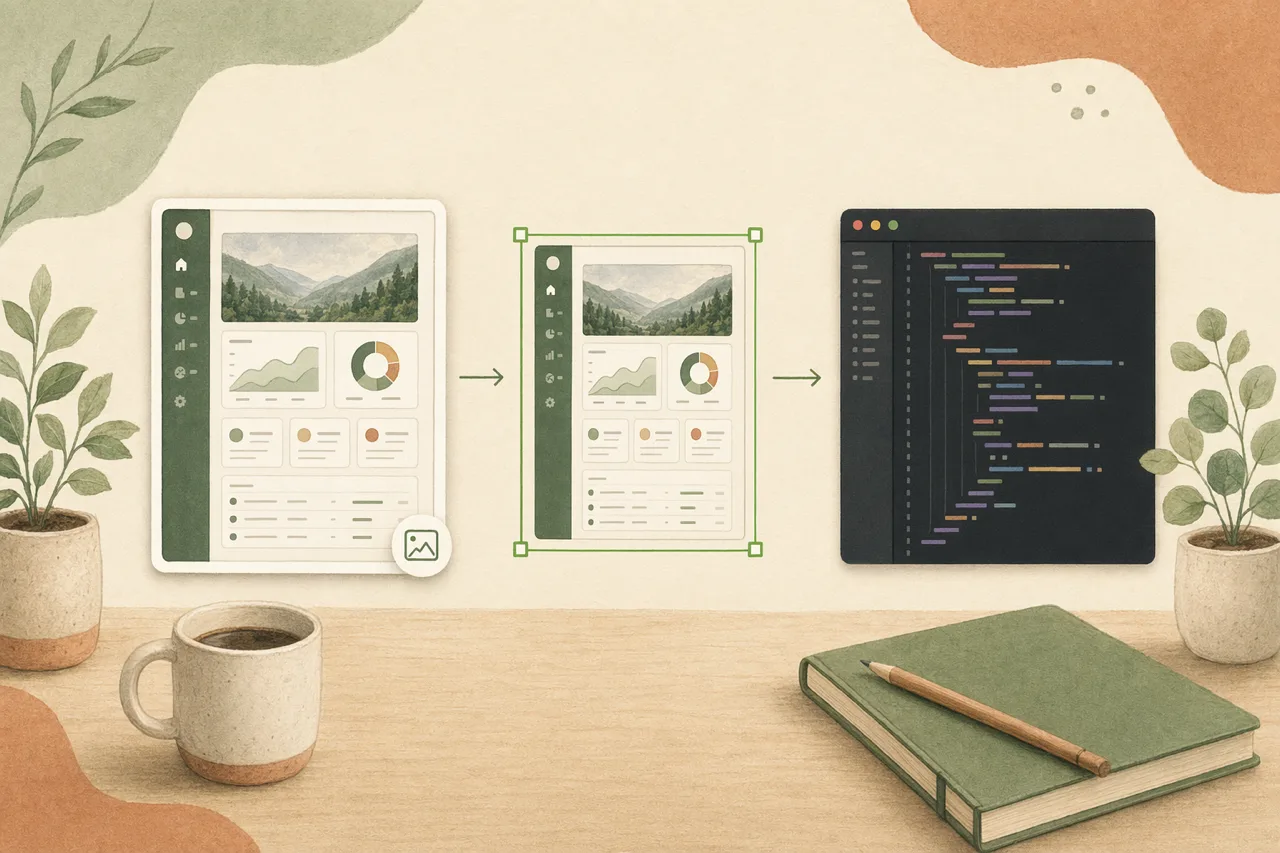
In one line
Most screenshot-to-code tools spit out one-time, absolute-positioned markup you then rewrite. Open Design rebuilds the screenshot inside your coding agent as clean, component-based code — real structure, your design system, no export step, no per-seat meter.
How screenshot to code works
- 01
Drop in the screenshot
Give your agent an image of the screen you want — a screenshot of an app, a website, or a design. Open Design loads the right skill so the agent reads the layout and intent, not just pixels.
- 02
Rebuild as component-based code
The agent maps the screenshot to reusable components and design tokens — consistent spacing, type, and color — and produces clean, readable code instead of a wall of absolute-positioned divs.
- 03
Refine in conversation
Adjust layout, states, and behavior by talking — "make it responsive," "wire the form," "match our tokens." The code updates in place; you are not stuck with a frozen one-time conversion.
- 04
Ship the code you own
The output is HTML/code in your repo, fully yours — no vendor-locked editor, no throwaway export, no redraw between the screenshot and the build. Ship it, then keep evolving it in the agent.
What you can convert
-
Screenshot to code
Turn an image of any screen into clean, component-based code in your stack.
-
App screenshots
Rebuild a mobile or web app screen from a screenshot, with real states.
-
Website screenshots
Recreate a landing or marketing page you screenshotted as responsive code.
-
Design screenshots
Hand off a screenshot of a design or mockup and get shippable code back.
-
Forms & flows
Rebuild a form or multi-step flow from a screenshot with real validation.
-
Any visual taste
Editorial, soft, or bold — the code carries the screenshot’s style end to end.
Open Design vs. typical screenshot-to-code tools
| What you need | With Open Design | Typical screenshot-to-code tools |
|---|---|---|
| Start from an image | Drop a screenshot into the agent you already have open | Upload to a separate web tool, convert in their cloud |
| Code quality | Clean, component-based code from a design system | Absolute-positioned markup you rewrite by hand |
| Iterate after conversion | Refine by talking; the code stays live in your project | A frozen one-time snapshot you edit manually |
| Own the output | Plain files and code in your repo, fully yours | Locked to their editor or export format |
| Cost & lock-in | Open source, bring your own keys, runs locally | Per-seat or per-credit subscription, vendor-hosted |
Every one started as an image and became code you can ship. Pick a template close to your screenshot, describe your variation, and the agent rebuilds it — screenshot to code, with no locked-in export.
Screenshot to code FAQ
-
01 How does Open Design turn a screenshot into code?
You give your coding agent an image of the screen and Open Design loads the right skill so the agent rebuilds it as clean, component-based code — reading layout and intent, not just tracing pixels.
-
02 What kind of code does it produce?
Clean, component-based HTML and code built from a reusable design system, so you can read, refine, and ship it — not the absolute-positioned markup most screenshot-to-code tools output.
-
03 Is it free?
Yes. Open Design is open source and runs inside the coding agent you already use with your own provider keys — there is no per-seat or per-credit meter on the screenshot-to-code workflow itself.
-
04 Which agents does it work with?
Open Design works with Claude Code, Codex, Cursor Agent, Gemini CLI, and a dozen more first-party adapters. You bring your own provider keys; nothing is hosted for you.
Turn your next screenshot into code tonight
Star the repo, install Open Design, and turn a screenshot of the screen you want into clean, shippable code in the agent you already use.