
codex-ppt-skill: Image-Forward PPT Decks with a Coding Agent
codex-ppt-skill is an open-source skill that pairs your coding agent with GPT-Image-2 to build image-forward PowerPoint decks — every slide a designed image, not a bullet list. Here's what it is, when image-first slides are the right call, how to use it, an honest look at the trade-offs, and where an agent-native design workspace takes over.

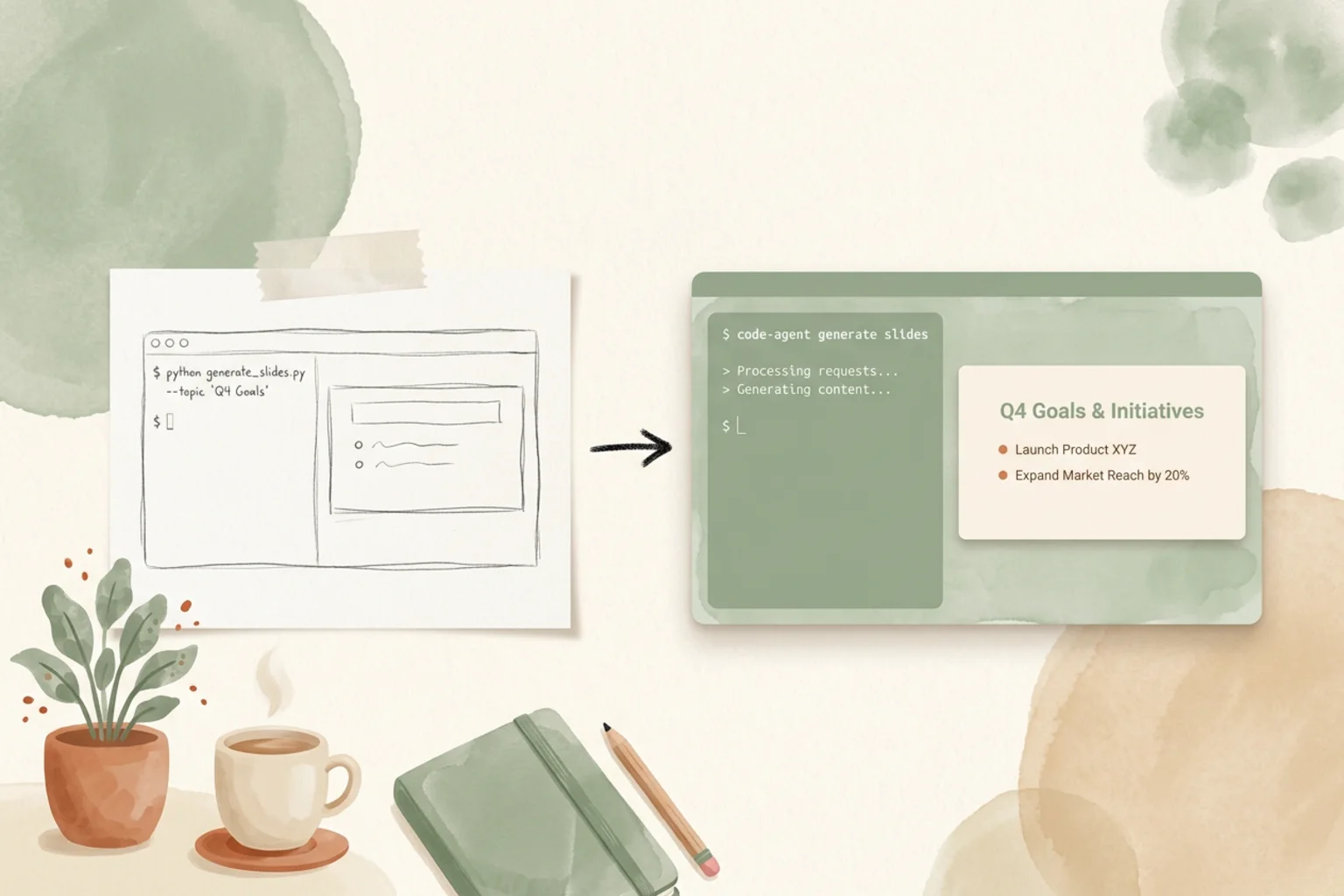
“Can a coding agent make a good-looking slide deck?” mostly gets answered with HTML-based skills that render slides as web pages. codex-ppt-skill takes a different route: it hands the agent an image model and lets it design each slide as a picture. The result is a deck where every page is a rendered image — cover art, full-bleed visuals, big type baked into the composition — rather than editable text boxes.
This is a short, honest guide to that approach. What codex-ppt-skill is, what “image-first slides” actually means and when they’re the right call, how to install and drive it, the trade-offs nobody prints (image-based decks aren’t editable text), how it compares to the other Claude PPT skills, and where a design workspace picks up when a one-shot deck isn’t the whole job.
What codex-ppt-skill is
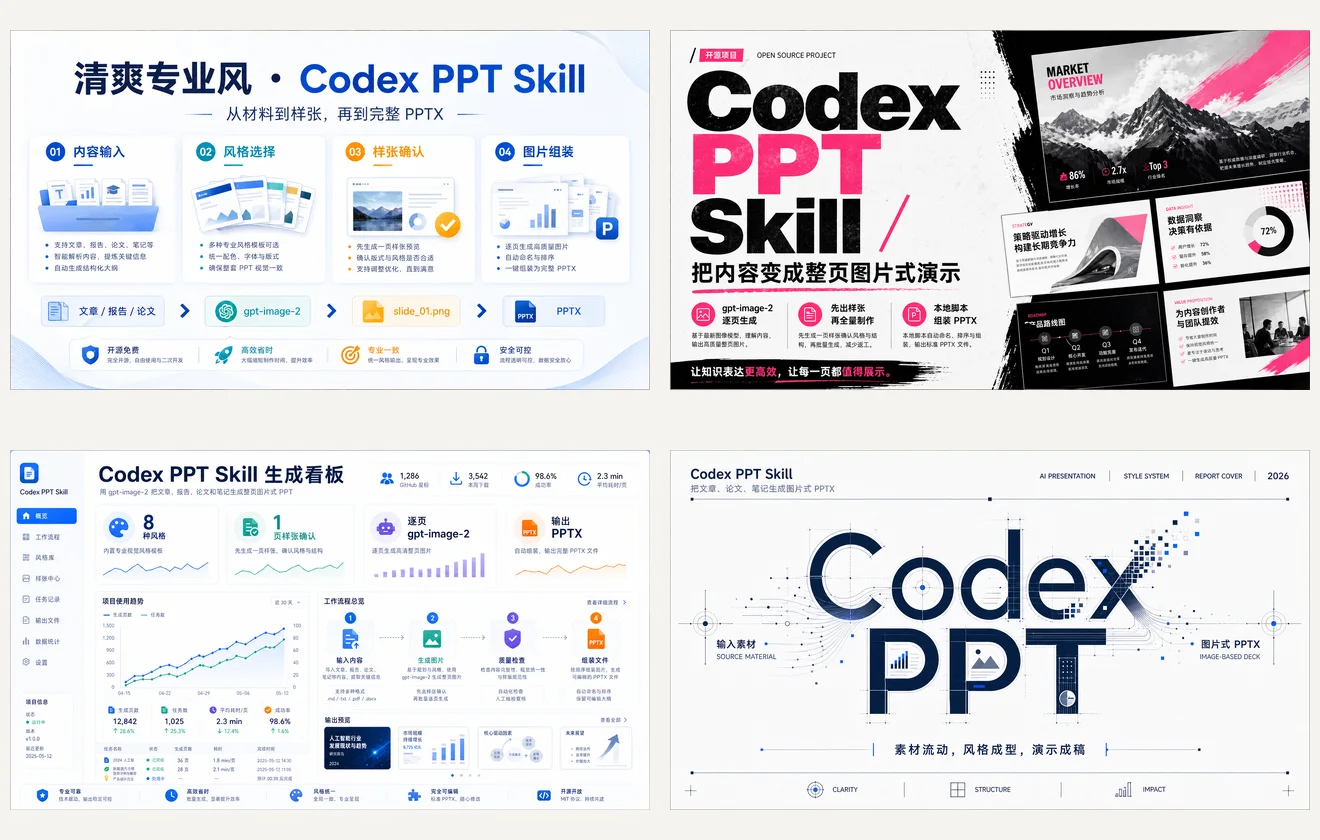
codex-ppt-skill (3.4k★, MIT) is a coding-agent skill that pairs your agent with image generation — specifically GPT-Image-2 — to produce image-forward PowerPoint decks. Instead of laying out text and shapes, the agent writes an art direction for each slide and generates it as a designed image. It was built for OpenAI Codex and works in the standard coding-agent skill model: you install it into your agent’s skill directory, describe the deck, and let it run. There’s a live homepage if you want to see the output style before installing.
Where an HTML-slide skill optimizes for clean, editable web pages, codex-ppt-skill optimizes for visual richness. It shines on cover-heavy, high-impact presentations — launch decks, keynote openers, pitch narratives, anything where the picture is the point.
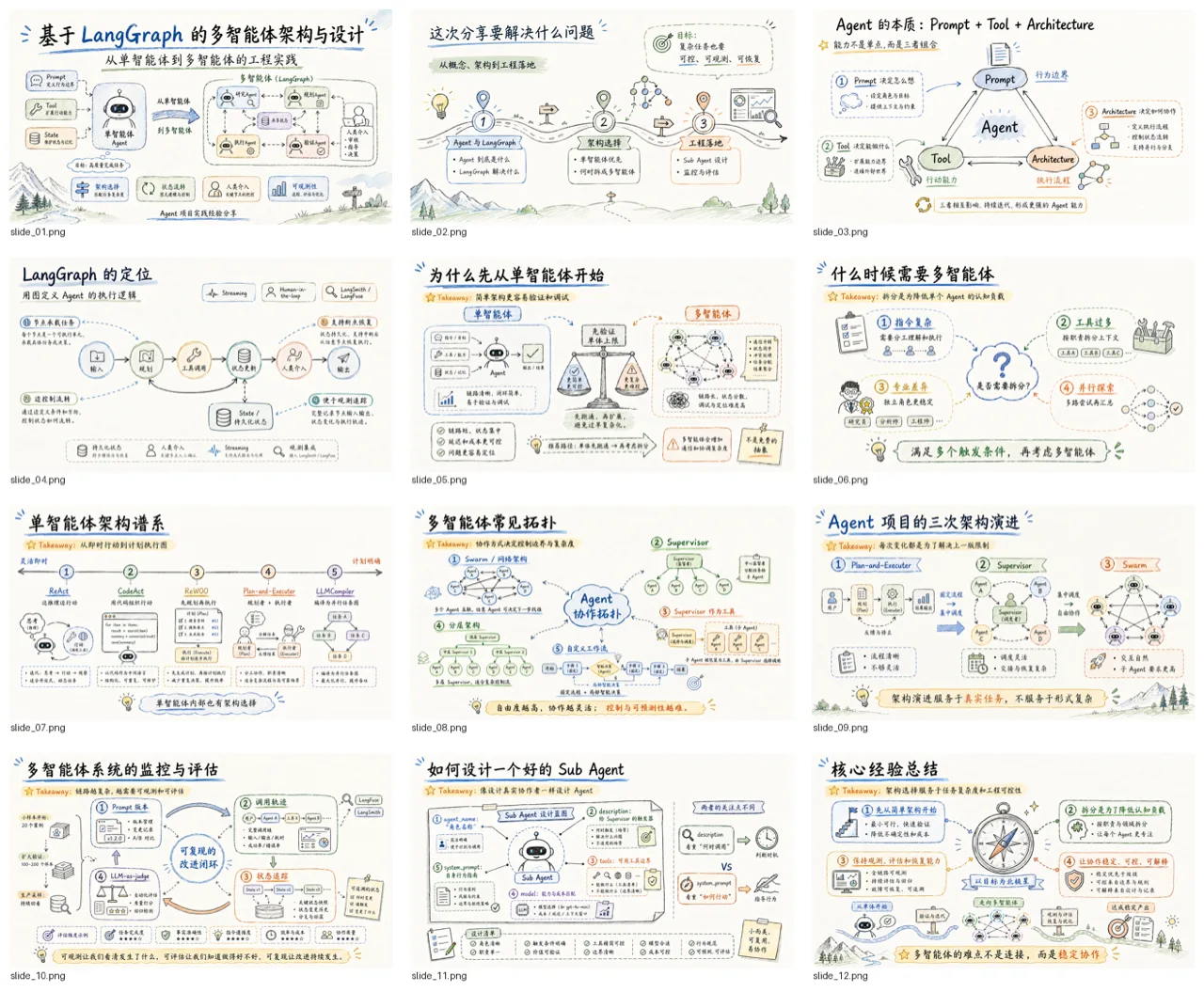
Image-first slides (GPT-Image-2) — what that means, and when it’s right
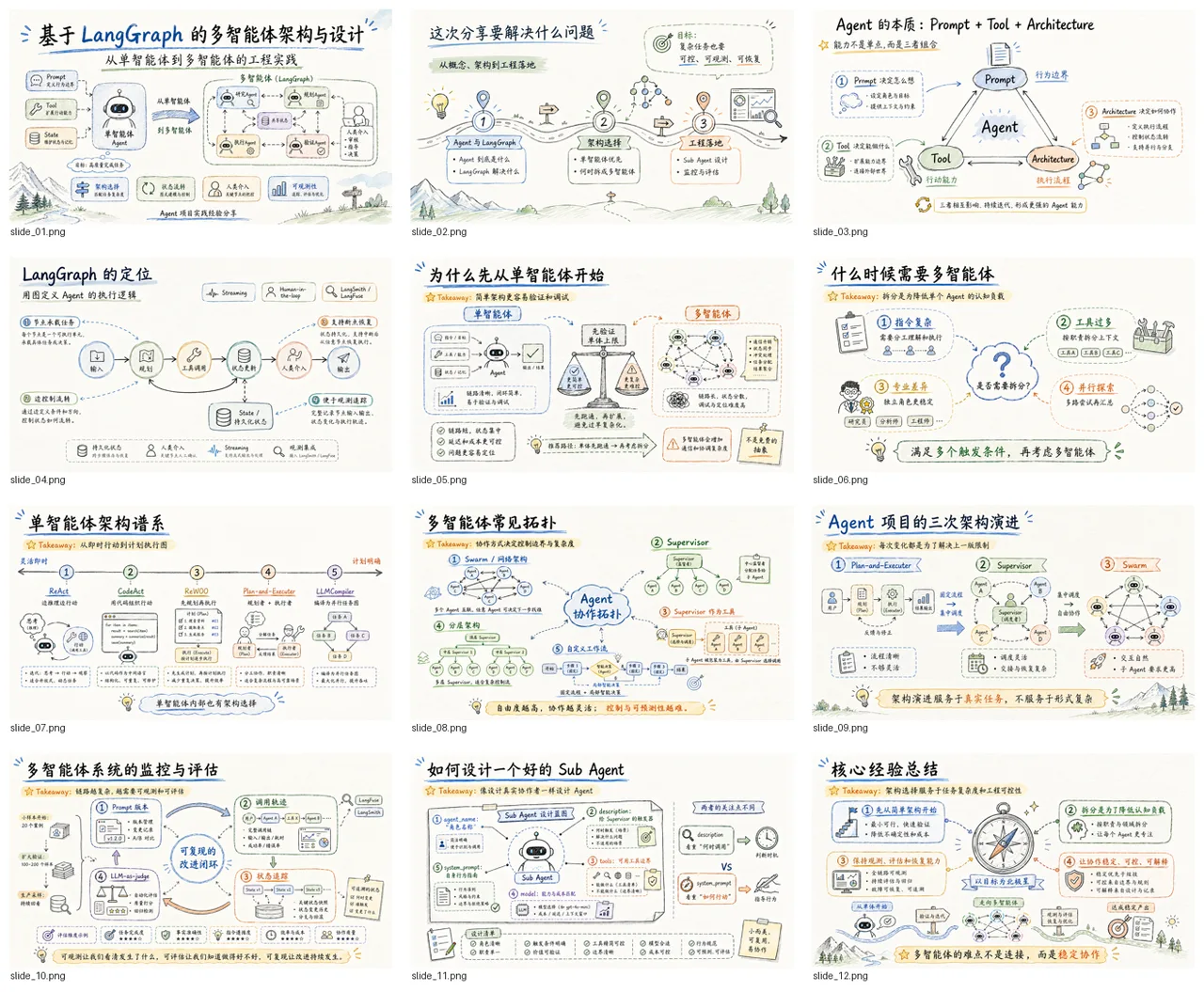
An image-first slide is exactly what it sounds like: the whole slide is one generated image. The agent doesn’t place a title, a subtitle and a bullet list as separate objects — it composes a single picture where the layout, imagery and typography are rendered together by GPT-Image-2. You get a deck that looks art-directed out of the box, with no template seams showing.
That’s a real strength for the right job, and a real limitation for the wrong one:
- Right when the visual is the message. Covers, section breaks, hero moments, mood-heavy storytelling, brand-forward pitch decks. When “make it look striking” beats “make it easy to edit,” image-first wins.
- Wrong when the content is dense or volatile. Data tables, long agendas, decks you’ll revise line-by-line, or anything a stakeholder needs to retype next week. Baked-in text is a picture of words, not words you can edit.
If most of your slides are text you’ll keep changing, an HTML-slide skill or an editable-output tool fits better. If your deck lives or dies on the visuals, image-first is the whole reason to reach for this skill.
How to use it
The flow follows the usual coding-agent skill shape:
- Install the skill — clone or add codex-ppt-skill to your coding agent’s skill directory (the repo has setup steps). Bring your own model key, including GPT-Image-2 access for the image generation.
- Describe the deck — prompt the agent with topic, audience, tone and rough slide count, plus the visual direction (art style, color mood, cover treatment). Image-first decks reward specific art direction.
- Let it generate — the agent writes a per-slide composition and renders each one through GPT-Image-2.
- Iterate — ask in plain language (“make the cover darker and more cinematic,” “regenerate slide 3 with a product close-up”). Because slides are images, iteration means re-rendering, not nudging text boxes.
- Export — assemble the images into a PowerPoint deck for presenting.
Honest notes
Two things to keep in mind before you commit a deck to this workflow:
- Image-based means not editable text. Each slide is a rendered picture, so you can’t click into a slide and fix a typo or reflow a paragraph — you re-prompt and regenerate. That’s fine for a striking one-shot deck and painful for a document you’ll maintain. It also means limited fine control over exact text placement; the model decides.
- MIT license. codex-ppt-skill is MIT-licensed, so it’s permissive to use and embed — no copyleft strings. Your ongoing cost is model usage: GPT-Image-2 generations add up on image-heavy decks, so price the render, not just the install.
codex-ppt-skill vs other Claude PPT skills
Different skills optimize for different definitions of “done.” Here’s where codex-ppt-skill sits against the common alternatives:
| Tool | Output | License | Best for |
|---|---|---|---|
| codex-ppt-skill | Image-based PPTX (GPT-Image-2) | MIT | Visual, cover-heavy decks where each slide is designed art |
| frontend-slides | HTML web slides | MIT | Web-native decks, editable markup, full CSS control |
| dashiAI | Browser-editable presentation | AGPL-3.0 | Output a non-developer can still tweak |
| Open Design | Editable deck against a design system | Apache-2.0 | On-brand, editable decks that live in a real workspace |
There’s no single winner — it depends on whether you want image-first impact (codex-ppt-skill), editable web markup (frontend-slides), a deck a non-dev can adjust (dashiAI), or brand-consistent output that fits into the rest of your design work (Open Design). For the full field, see the Claude PPT skills guide, and compare siblings like frontend-slides and ppt-master.
Where Open Design fits
codex-ppt-skill is great for pulling an image-heavy deck straight out of your terminal. But a skill is a one-shot script — it doesn’t carry your brand across projects, keep the output editable in a real workspace, or coordinate a deck with the rest of your design work.
Open Design is the layer above the skill: an open-source (Apache-2.0), local-first, bring-your-own-key Agent-Native Design Workspace that sits outside whichever coding agent you already use. You describe a deck; the agent generates an editable one against a design system, so it stays on-brand instead of starting from a fresh look every time — and Open Design ships first-party deck templates in its plugin library. If you already make slides with a coding agent, see how Open Design works with Claude Code. Reach for codex-ppt-skill when you want a striking image-first deck fast; reach for a workspace when the deck has to be on-brand, editable, and part of a larger whole.
FAQ
What is codex-ppt-skill? It’s an open-source (MIT) coding-agent skill that pairs your agent with GPT-Image-2 to build image-forward PowerPoint decks — each slide is a designed image rather than a bullet list. It was built for OpenAI Codex and runs in the standard skill model.
How is it different from frontend-slides or other Claude PPT skills? Most PPT skills render slides as editable HTML or shapes. codex-ppt-skill renders each slide as a generated image, trading editability for visual richness. It’s the best pick when the deck’s impact comes from the visuals, not from text you’ll keep revising.
Are codex-ppt-skill slides editable? Not as text. Each slide is a rendered image, so you change it by re-prompting and regenerating rather than editing text boxes. If you need line-by-line edits, use an HTML-slide skill or an editable-output tool instead.
Is codex-ppt-skill free? The skill is MIT-licensed and free to use. Your real cost is model usage — GPT-Image-2 generations add up on image-heavy decks — plus your own API key.
When should I use a design workspace instead? When the deck has to stay on-brand against a design system, remain editable, and live alongside the rest of your design work. That’s where an agent-native workspace like Open Design takes over from a one-shot skill.
The takeaway
codex-ppt-skill is the skill to reach for when you want a visually rich, cover-heavy deck straight from your terminal, and you’re happy for each slide to be a designed image rather than editable text. It’s MIT-licensed, built for coding agents, and powered by GPT-Image-2 — a clean fit for high-impact one-shot decks. When the deck instead needs to be on-brand, editable, and part of a larger design effort, that’s the moment an Agent-Native Design Workspace picks up: your agent, your files, from prompt to shipped deck.